A HUD that fits your eyes
Put FPS, CPS, keystrokes, armor and more exactly where you want them. Resize without blurry text. Build a preview
Your free Minecraft launcher — with Orbit Client built in
Go from a fresh install to your next world without the setup grind. Launch any Java Edition version, then bring 56 PvP and quality-of-life mods, friends and cosmetics into the same game.
Windows · macOS · Linux — updates itself — checking servers…
Launcher … · Client … · Minecraft 1.21.11
Orbit handles the fiddly parts, so you can get back to Minecraft.
Get the launcher for Windows, macOS or Linux. It keeps itself and Orbit Client up to date.
Use your Microsoft account that owns Minecraft: Java Edition. Your password goes to Microsoft — not Orbit.
Orbit installs the client and the right Java for you. Your first launch is ready to go.
Make your setup yours, keep your people close, and spend less time managing files.
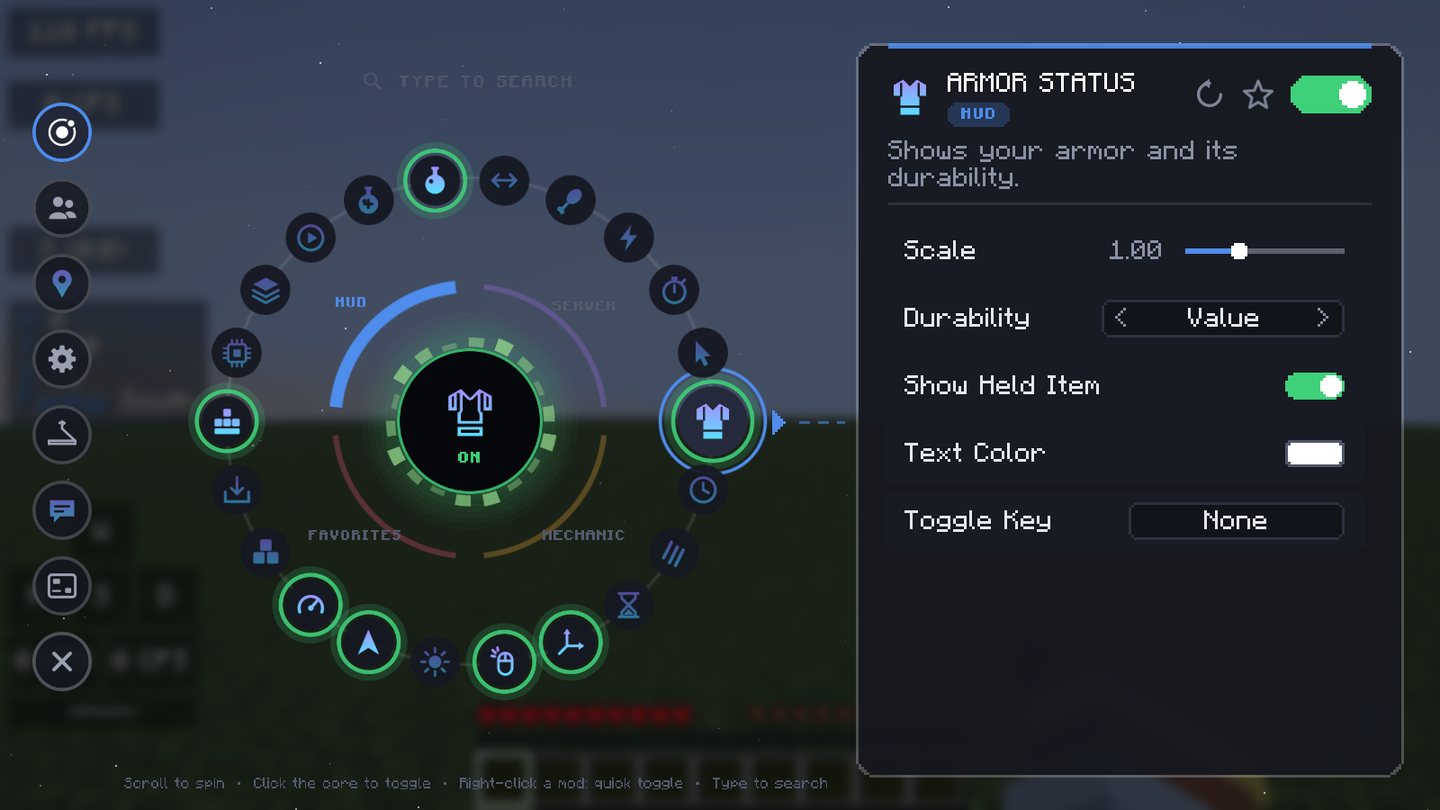
Find the tool you need in seconds. Orbit’s visual mod menu puts every toggle and setting in reach — no digging through folders or config files.
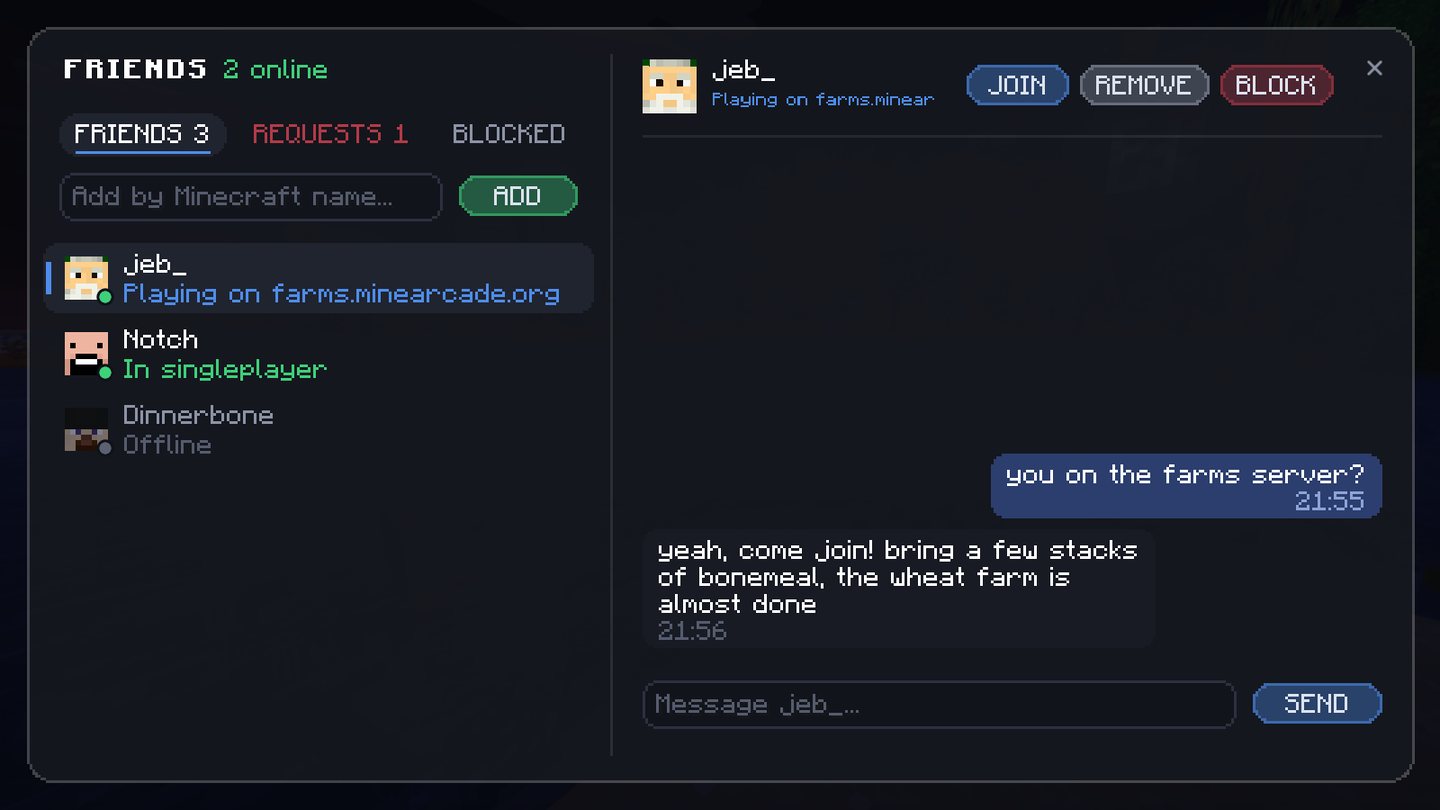
Add your friends by Minecraft name. See when they’re online, chat from anywhere, and jump into their server with one click.
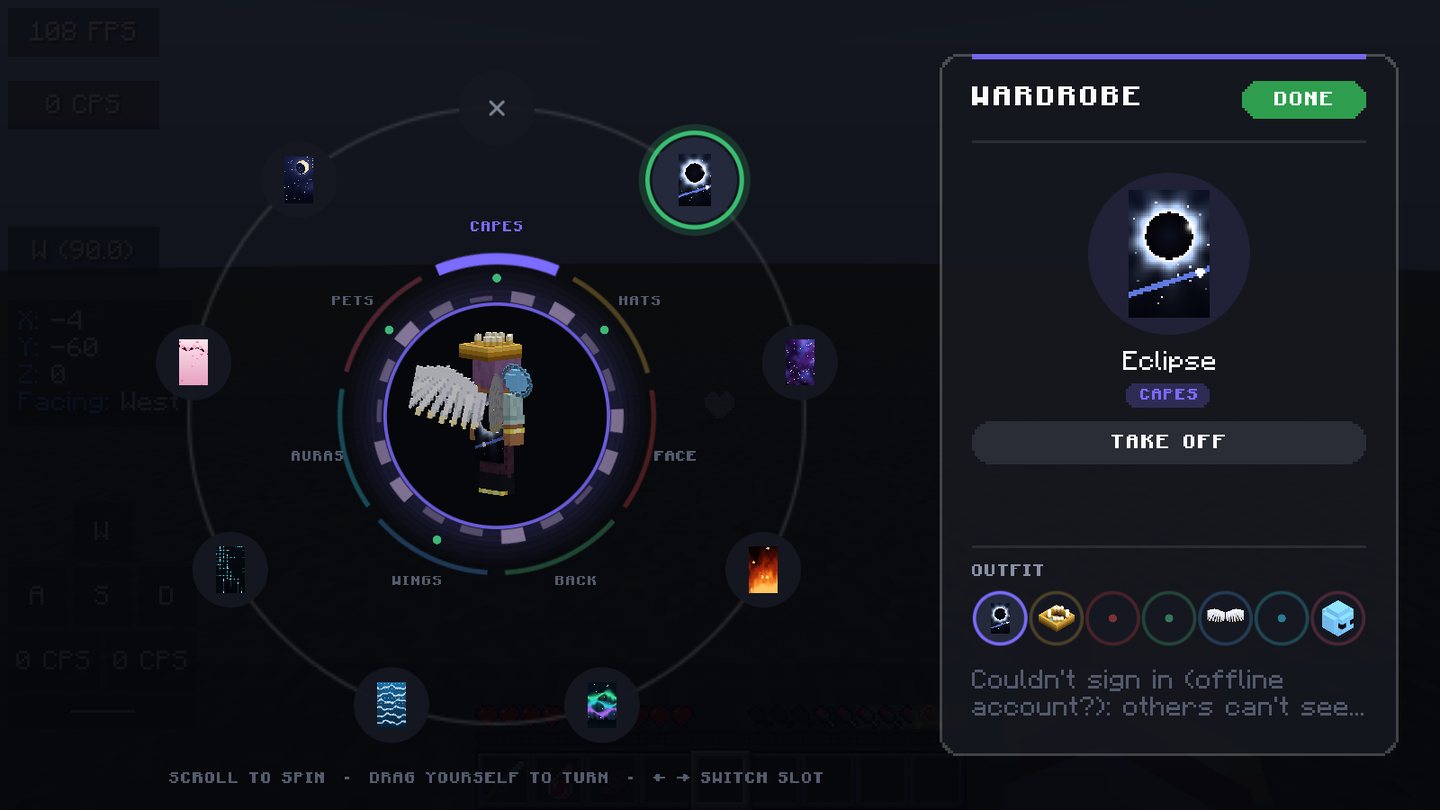
Build a look with capes, hats, wings, pets and auras. Preview it live, tune the colors, and let other Orbit players see your style. Every cosmetic is free.
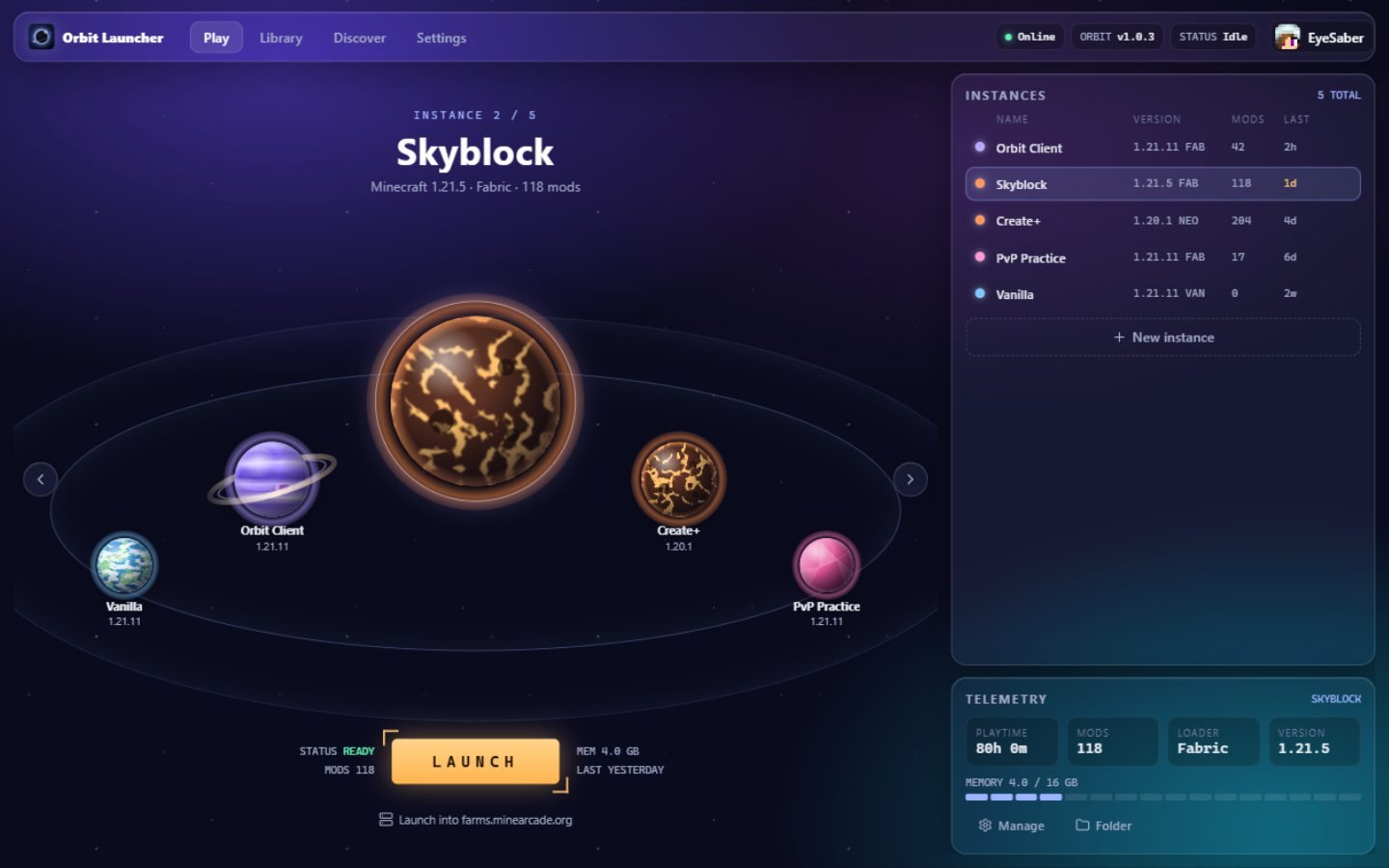
Keep each setup in its own instance. Launch straight into a world, or manage its mods, saves, screenshots and servers from one Play page.
Get the launcher free. Orbit takes care of setup and updates from there.
Put FPS, CPS, keystrokes, armor and more exactly where you want them. Resize without blurry text. Build a preview
Start with a preset or draw one pixel by pixel, in the color that feels right.
Mark the places that matter. Waypoints stay organized separately for every server and world.
Change Minecraft accounts from Orbit Client’s home screen and keep your session moving.
Launch the same instance twice, then switch accounts in-game to play side by side.
Orbit Launcher updates itself and installs new Orbit Client releases for you.
Real screenshots from Orbit Launcher and Orbit Client — no mockups.
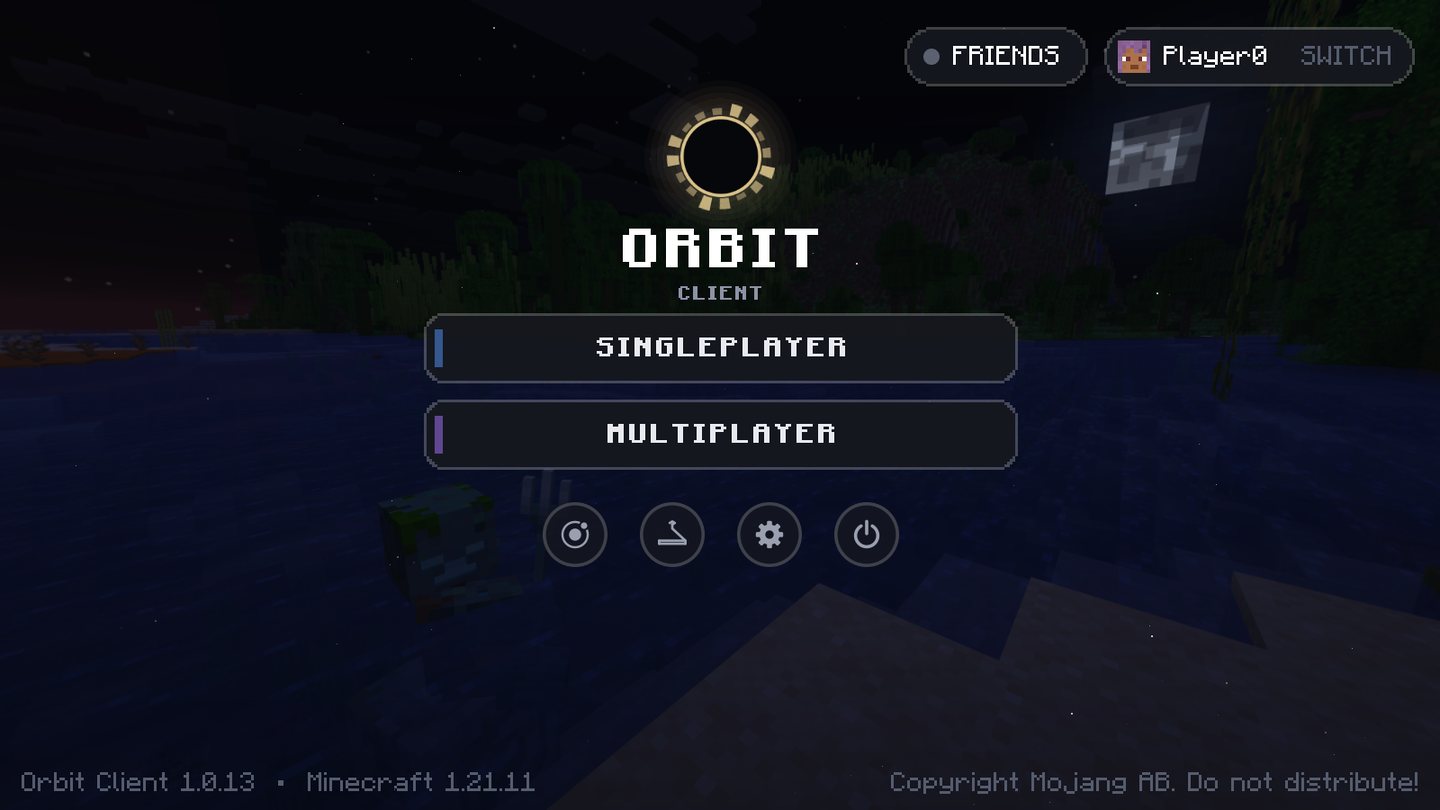
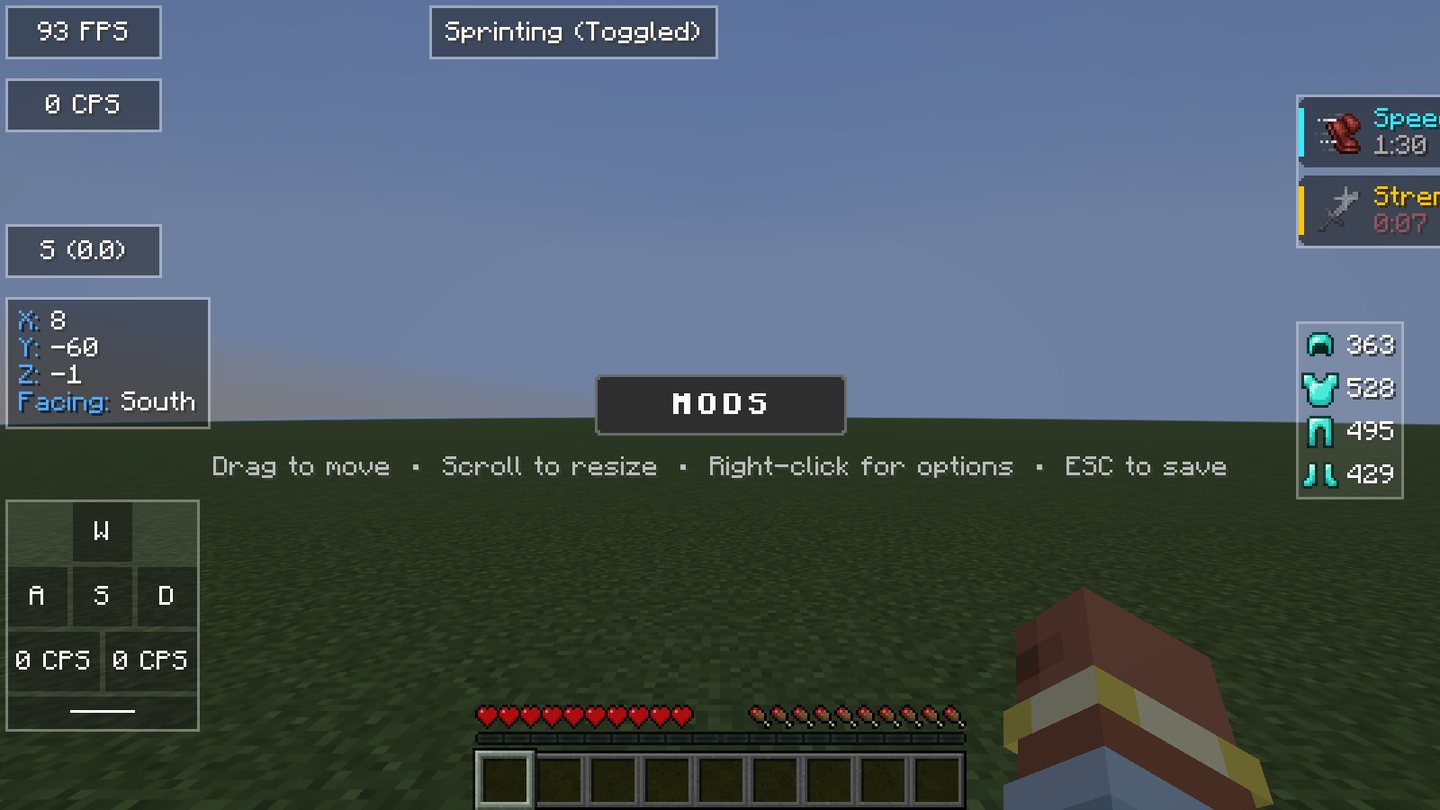
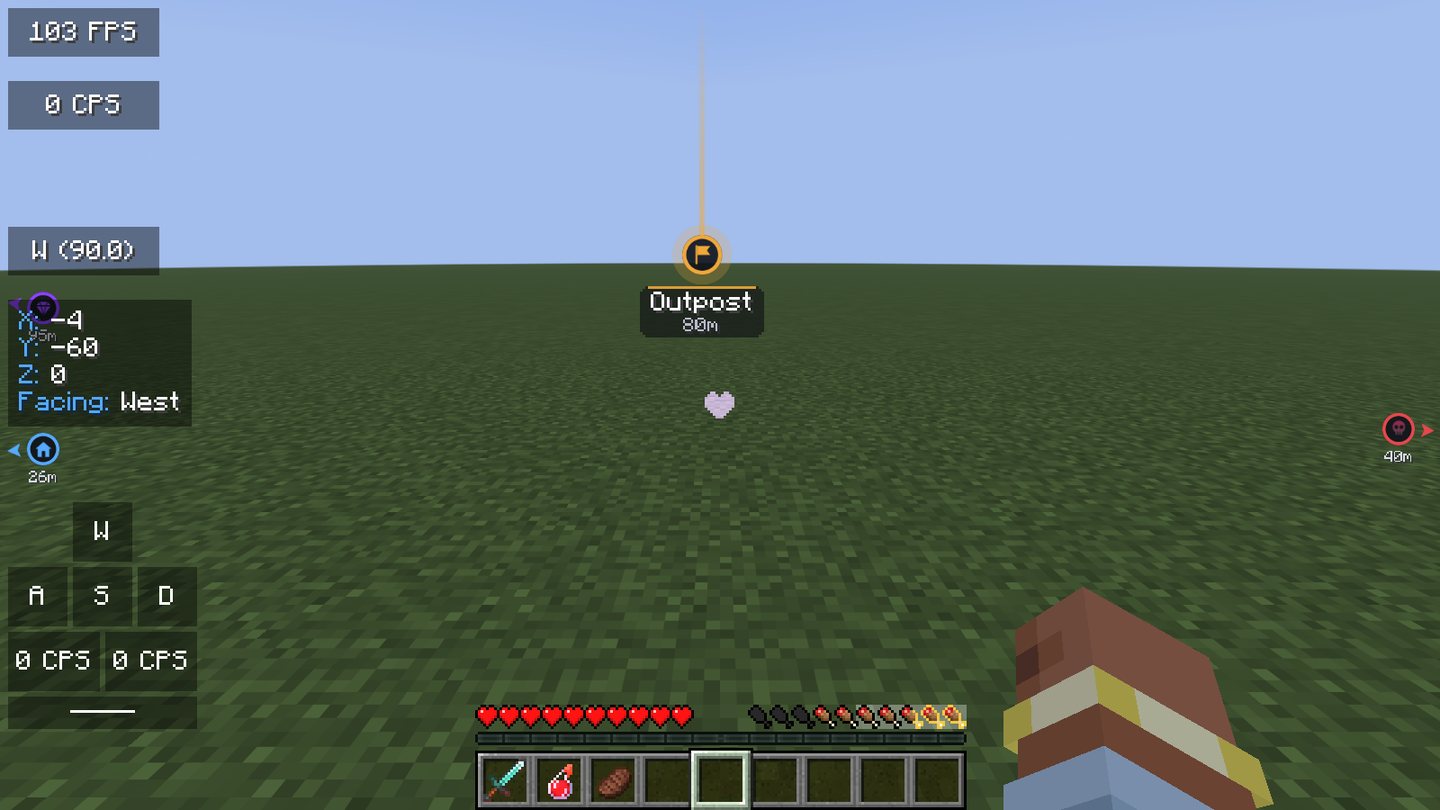
Free to download. Orbit Launcher … includes Orbit Client ….
Choose your platform to get the latest release. The launcher installs Orbit Client and the right Java for you, then keeps both up to date.
Windows needs 64-bit · Macs need Apple Silicon · Linux as AppImage, .deb or .rpm
Choose your platform to get the latest release. Already installed? Orbit Launcher updates itself.
Quick answers on server rules, versions and playing with friends.
Orbit Client has no cheats — just quality-of-life and HUD mods. Server rules vary, so check before using features like zoom or freelook.
The launcher runs any Java Edition version. Orbit Client currently supports Minecraft 1.21.11 with Fabric.
Friends, chat and shared cosmetics work between Orbit players in-game and in the launcher. See all FAQs
Choose your platform and start your next Minecraft session with Orbit.